Project 3
The assignment
Project 3 was split in three parts, a group exercise, where we test the limits on the 3D-printer, an individual project where we create an object to 3D-print, and finally a we scan something and create a 3D-model.
3D printer test
My friend and teammate for this exersice, Hákon, is going to take you through how we went on testing the limits of the 3D printer here
3D printing
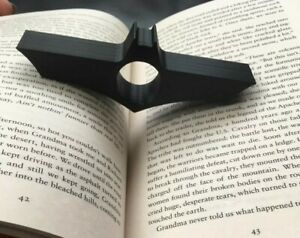
The assignment was to 3D print anything that we can come up with as long as its not more than 100g and something which would be hard to make using subtracive manufacturing methods. When you have this much freedom it can be difficult to decide and I struggled with coming up with something. After trying to think super creative and decided to keep it simple and searched for neat things to 3D print on the internet. Thats where I stumbled upon something very simple, cool and useful, a book holder. With a book holder I can hold the whole book, open, not having to use both hands. I then further searched for some cool design and I found the coolest book holder ever.
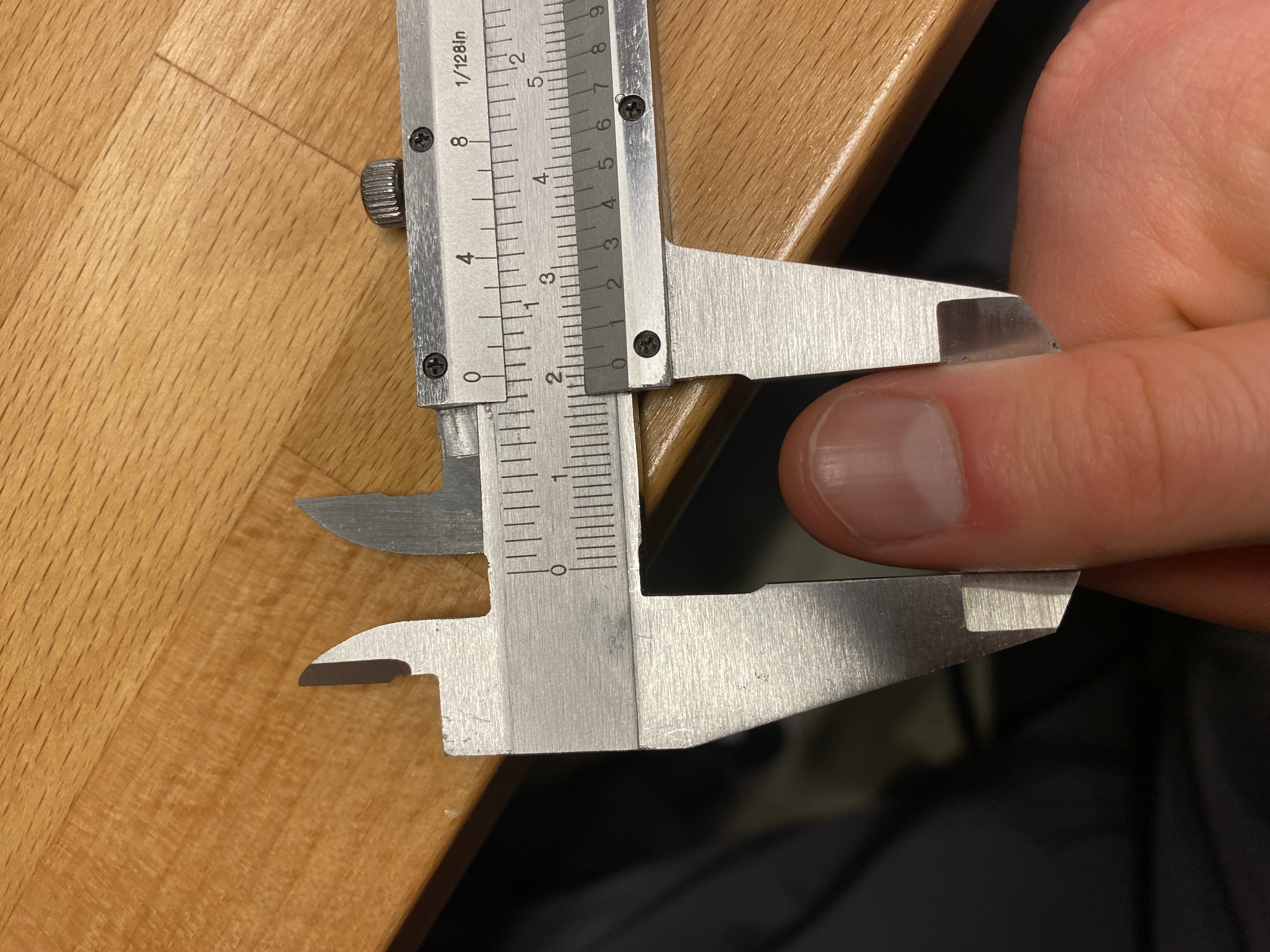
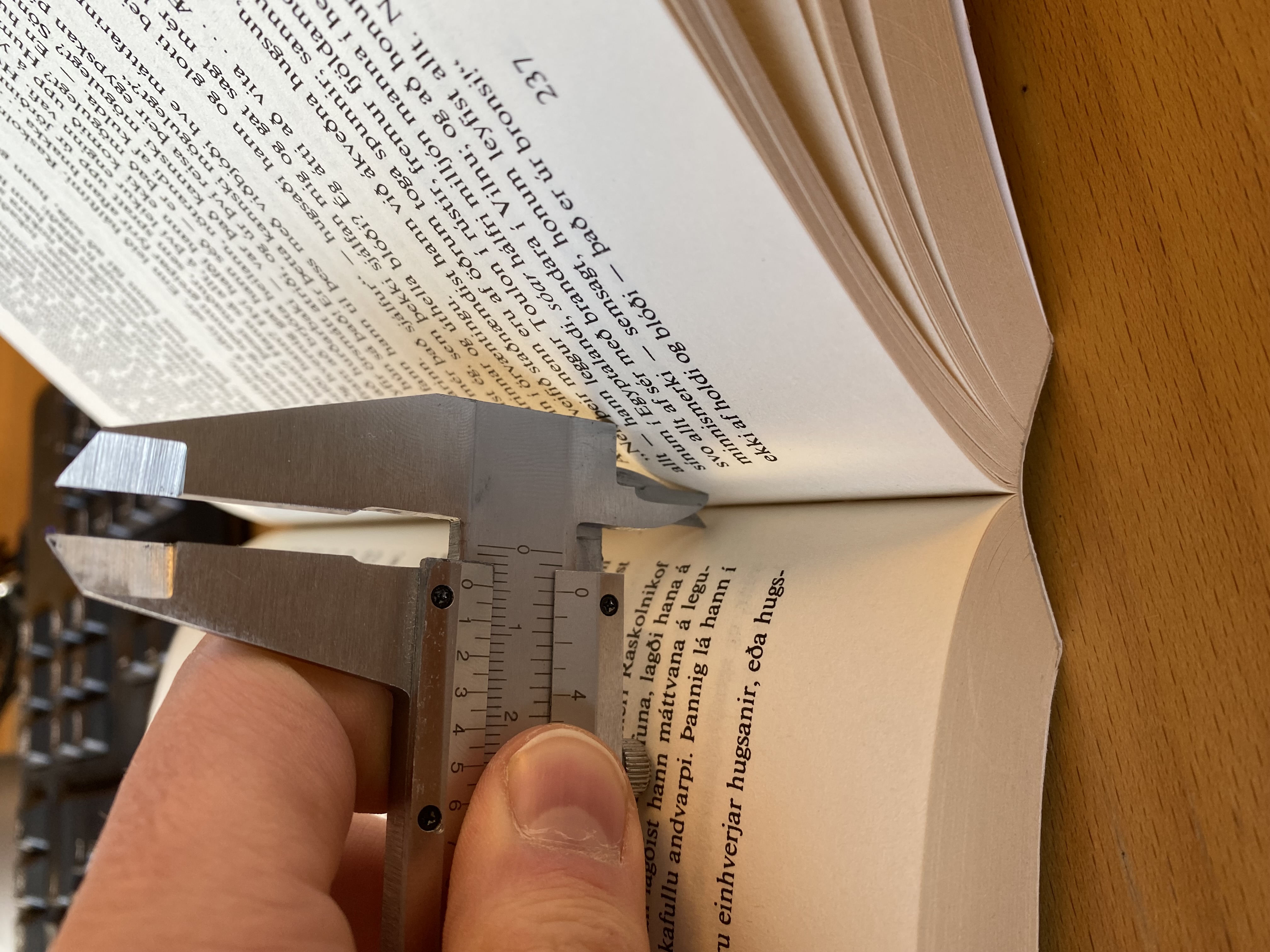
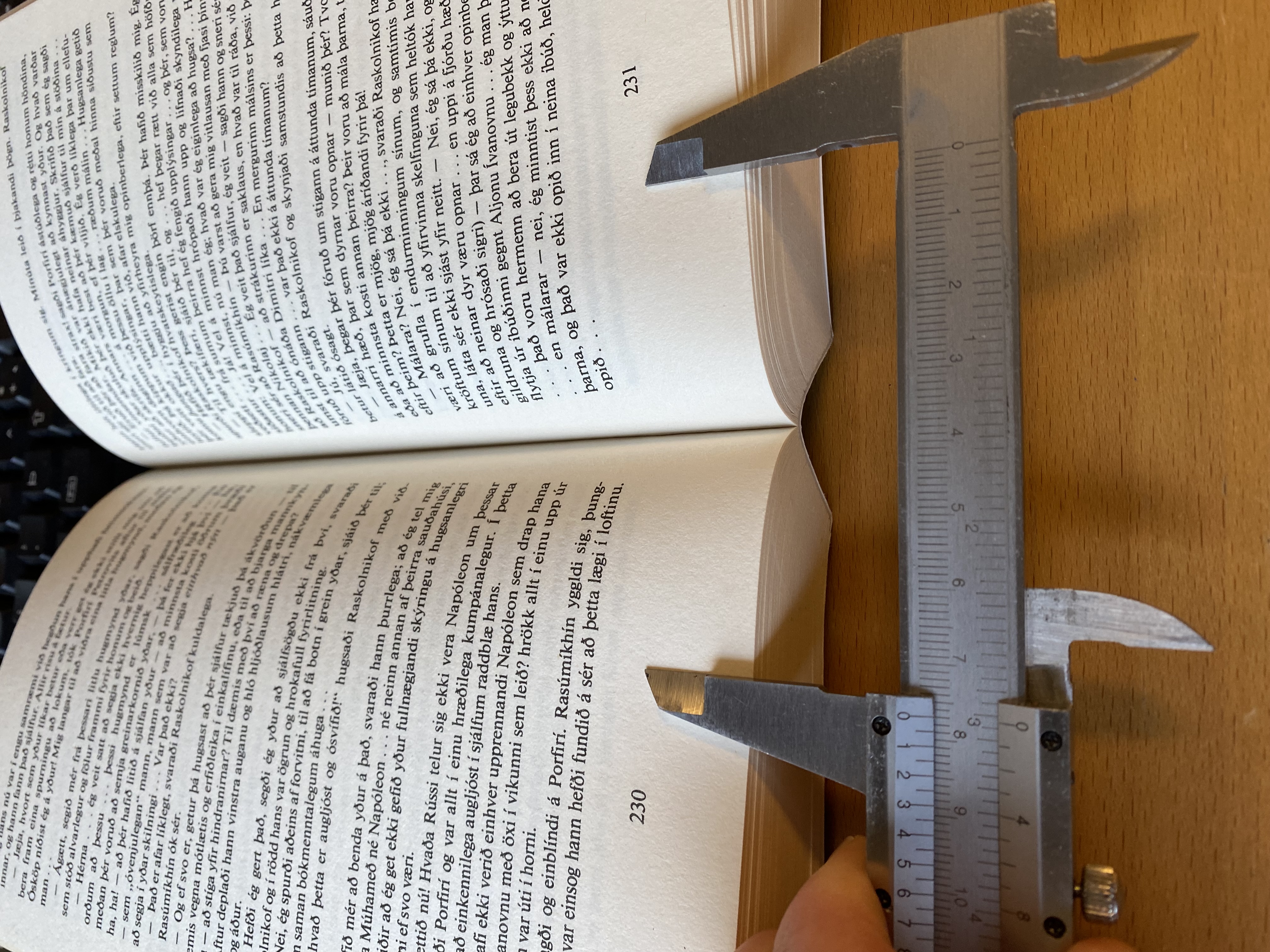
To make things more professional and I measured my finger, the space between the pages and the length required to the book open. The width of my finger is 22mm, the space roughy 4mm and I figured that 75mm would be adequate to hold the book open. Now everything was ready for me to start drawing in Fusion 360.
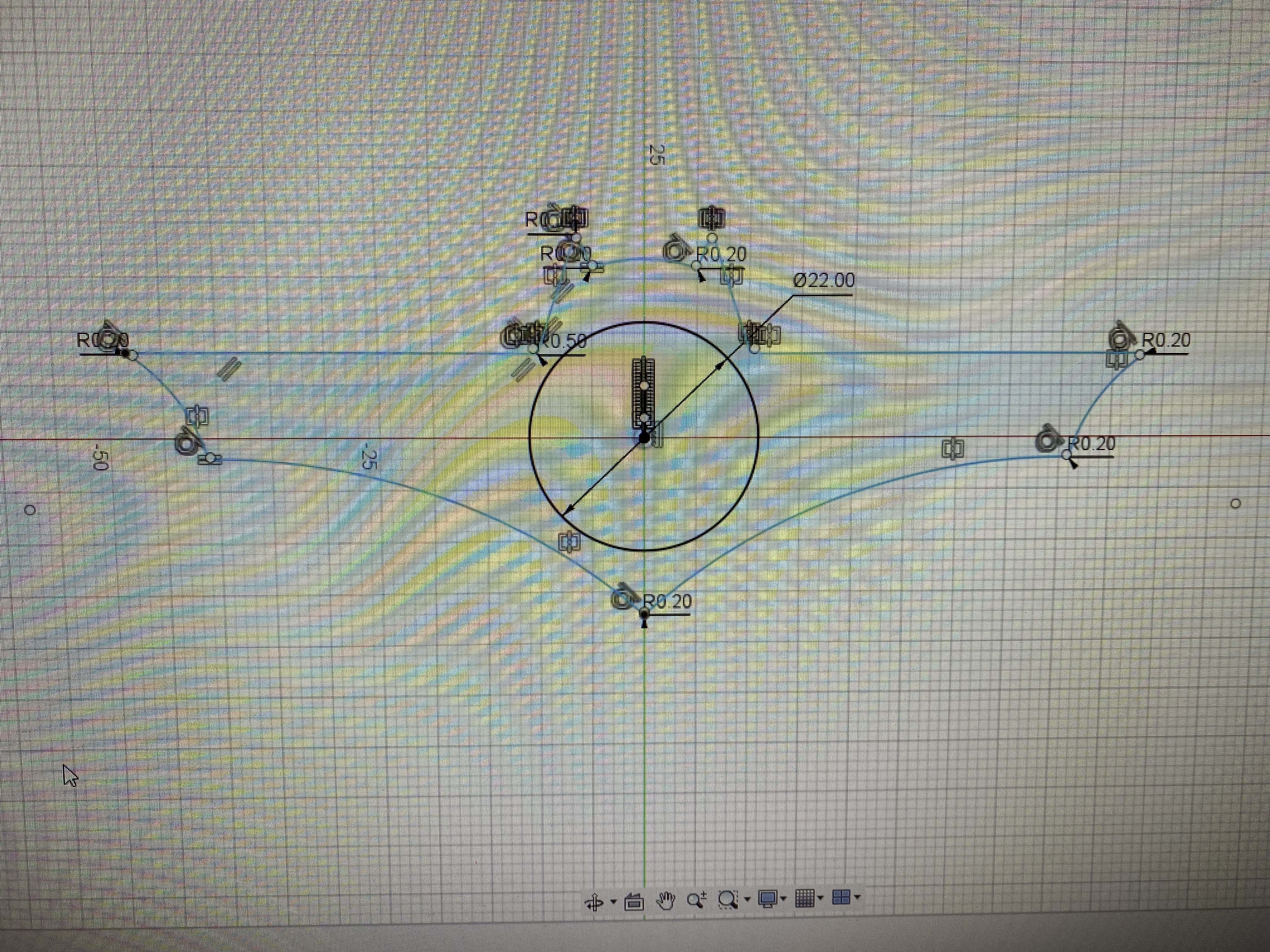
I then decided to add something for my thumb to chill. I saw that some bookholders had this feature and it looks comfortable, so why not add it to mine.
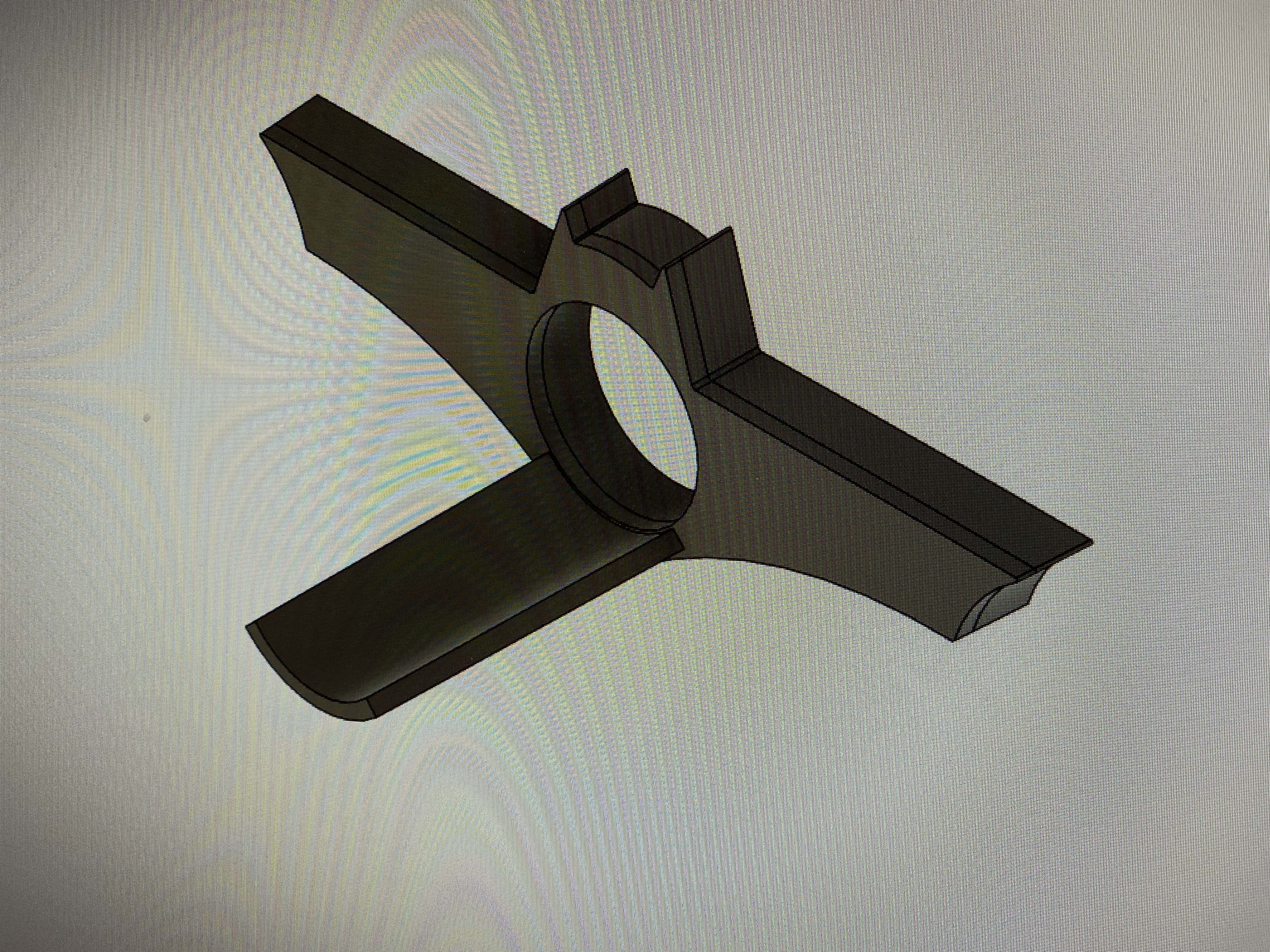
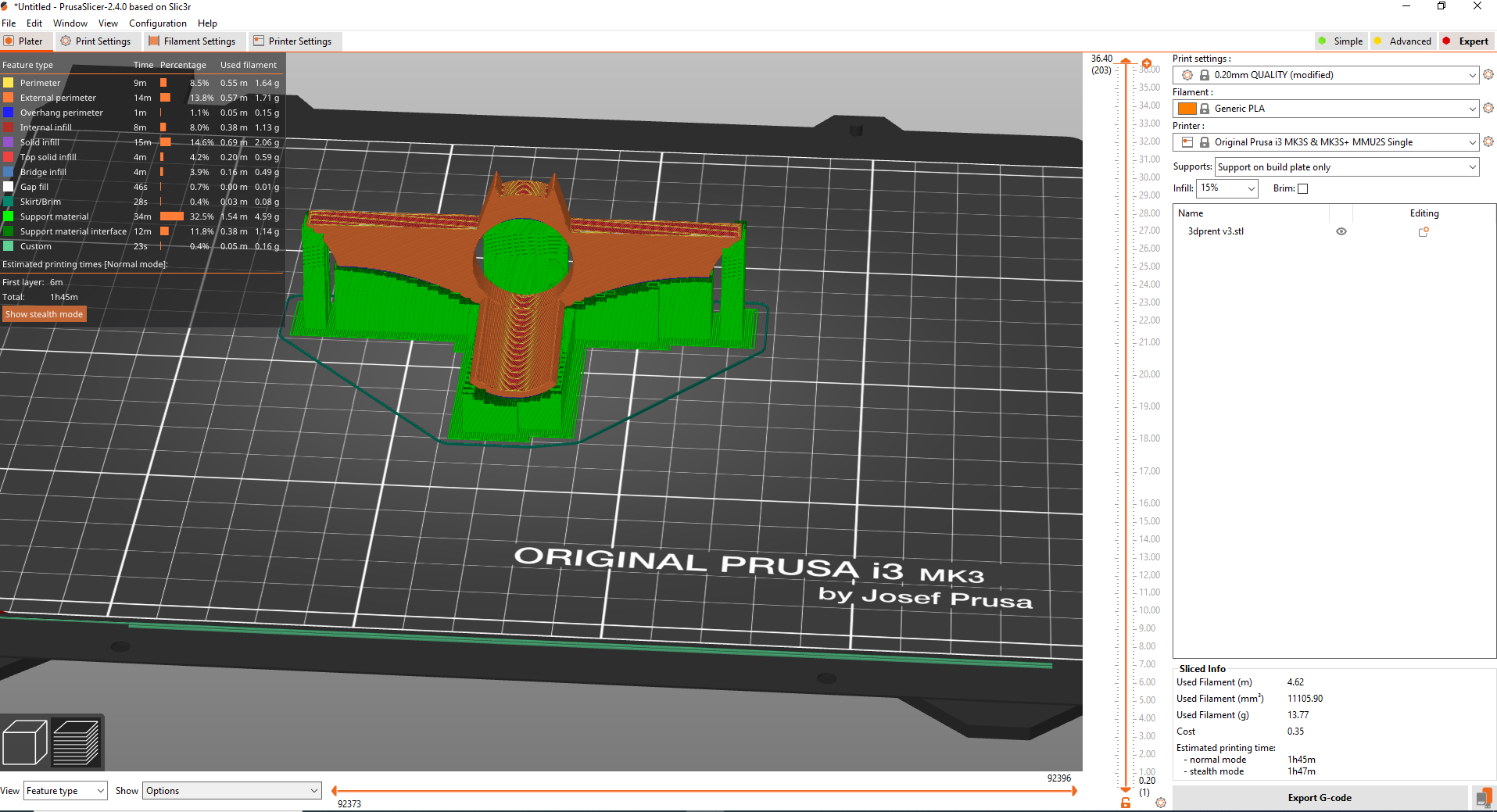
Here is the final look. Now I have to export the cad file as an stl file and open in up in the PrusaSlicer application. I added supports and it was ready to go. Just export the g-code to an SD-card and plug to the 3D printer. I used the Prusa MK3+ 3D printer. Here you can see how I set it up in the PrusaSlicer application
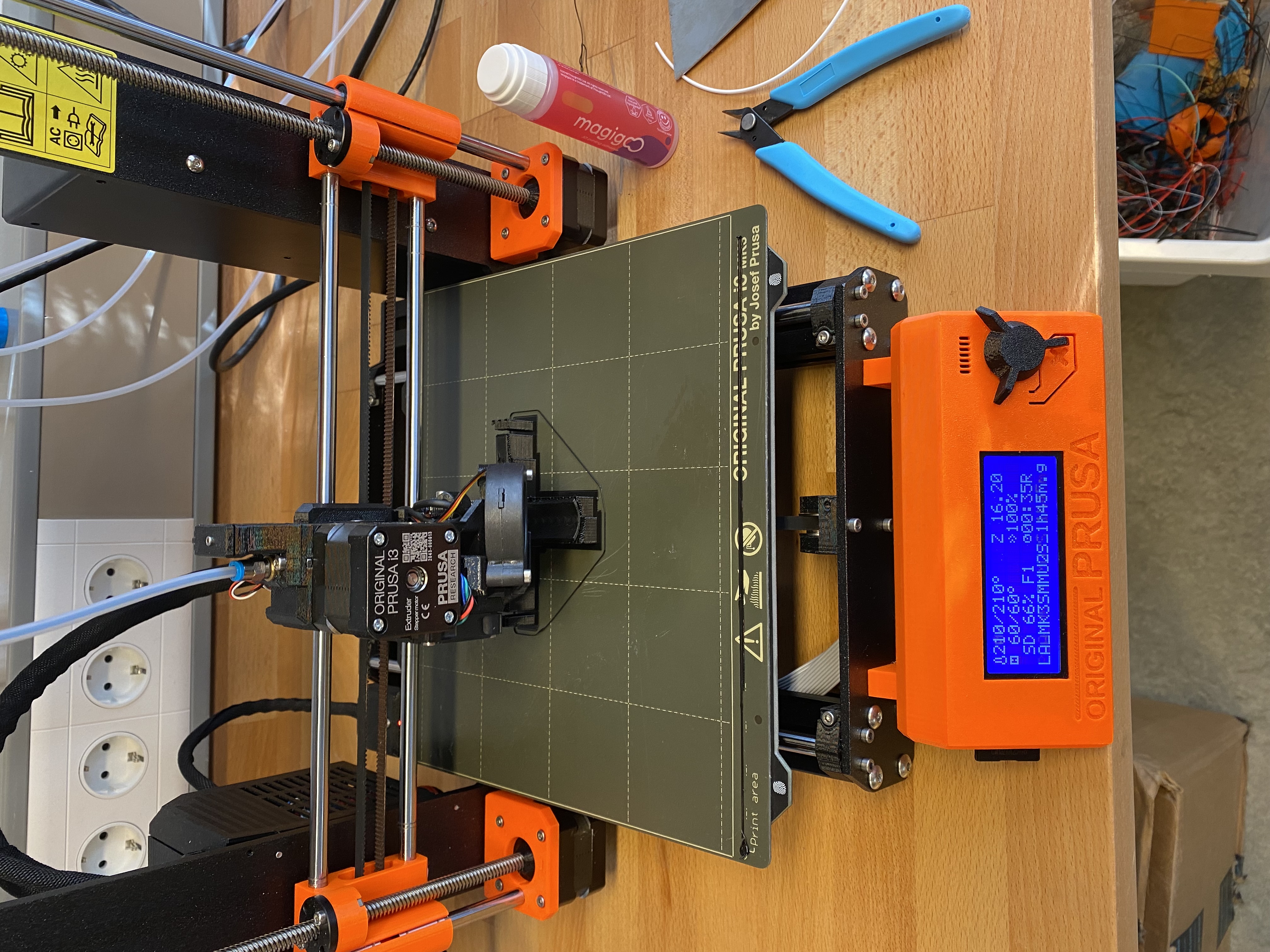
Here you can see the 3D printer in action.
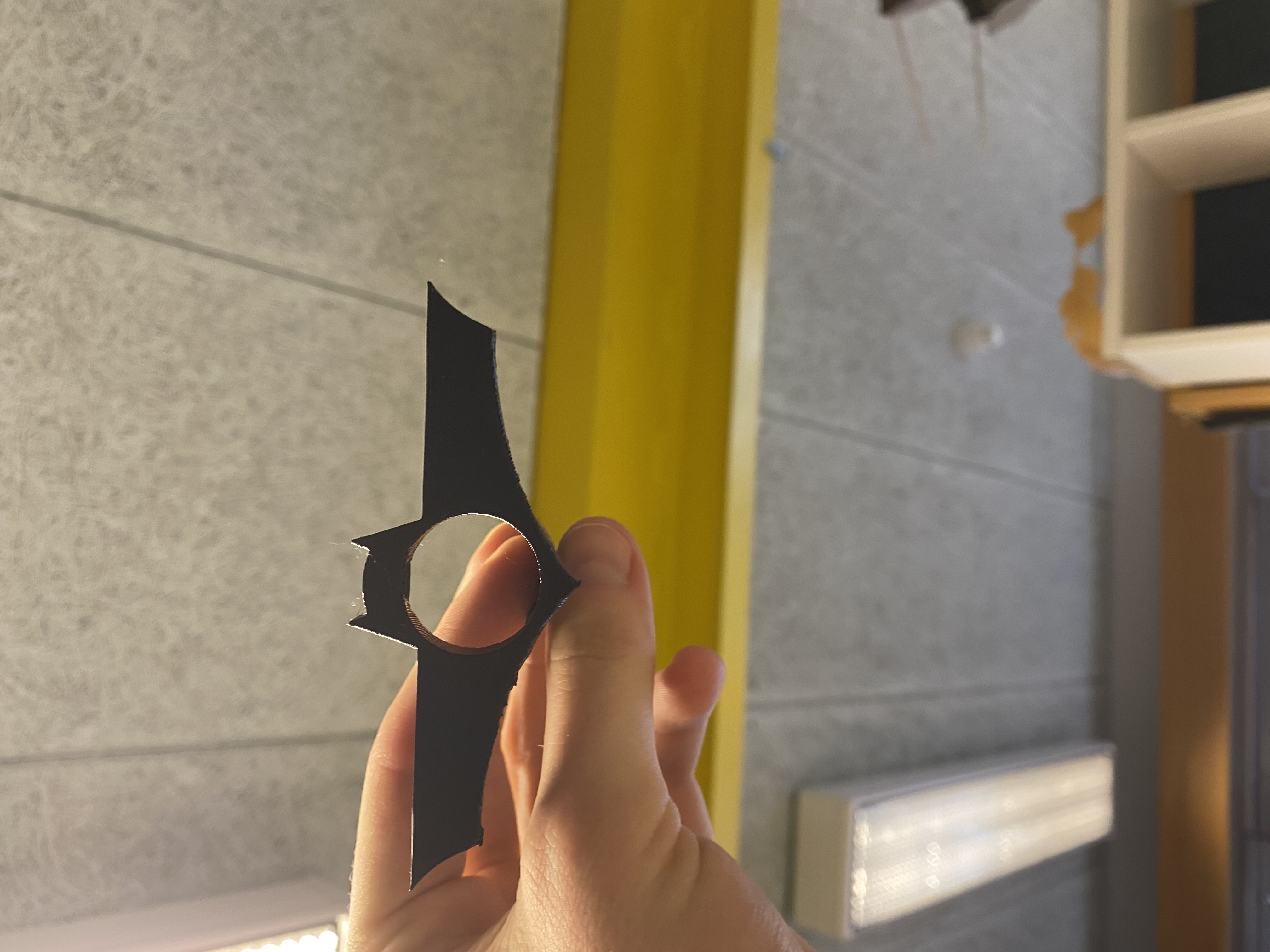
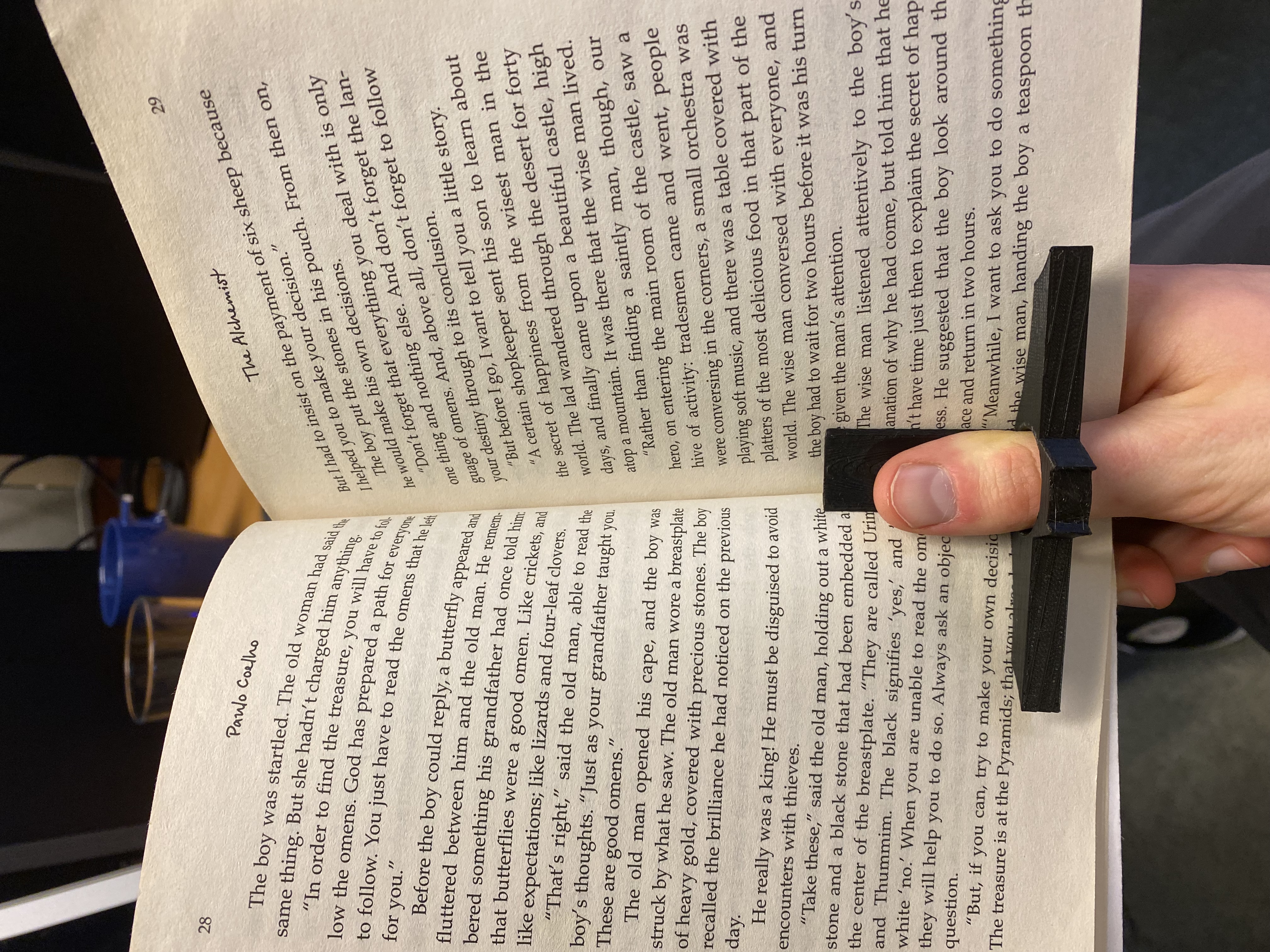
After 1 hour and 45 minutes the Batman book holder was ready and boy am I happy with the final result. The "thumb holder" was, to be honest, not as comfortable a I hoped for but overall I am happy. Now I can finally lay read my books with one hand without comfortably and look cool at the same time. Great success.
3D scanning
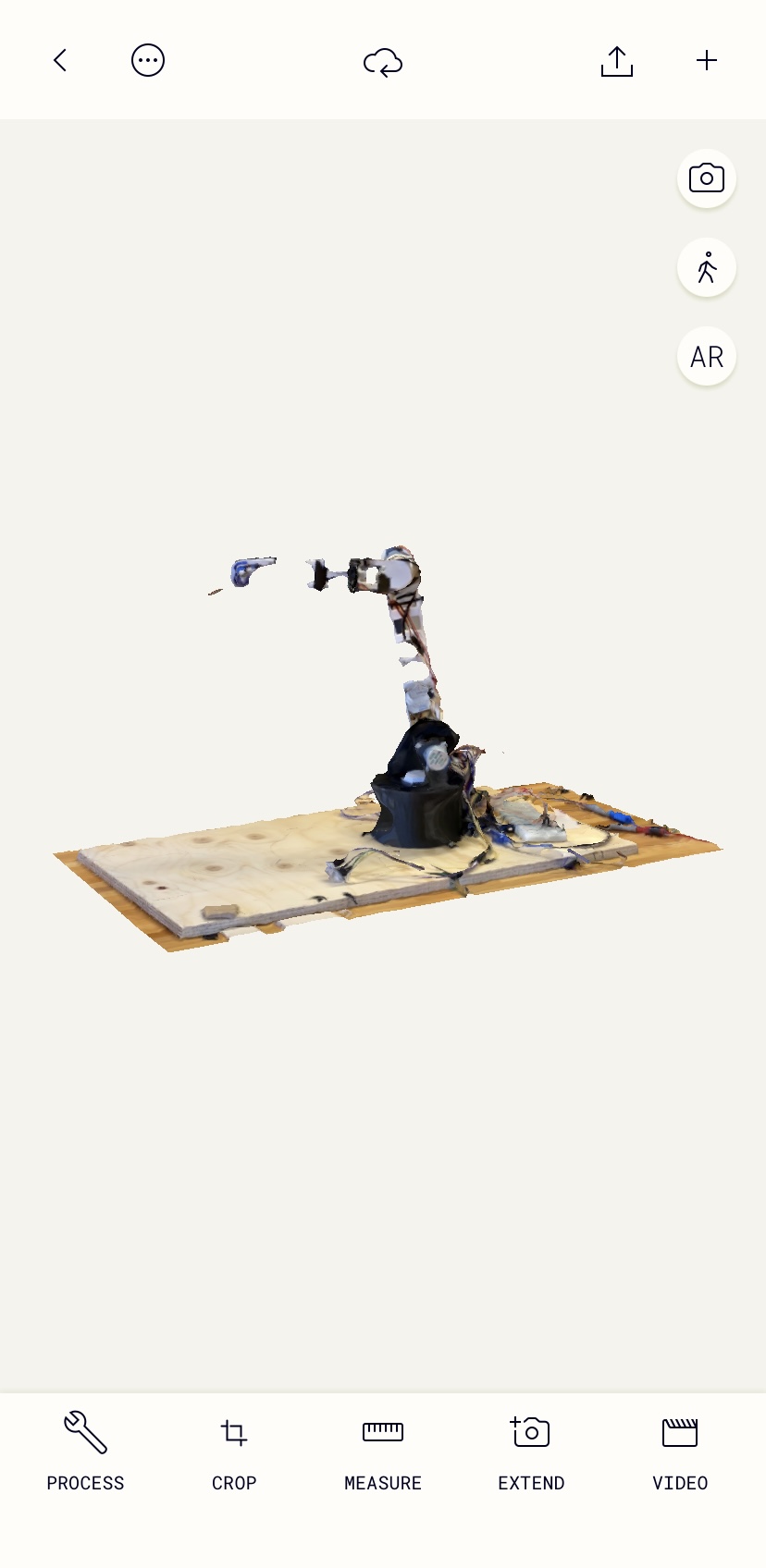
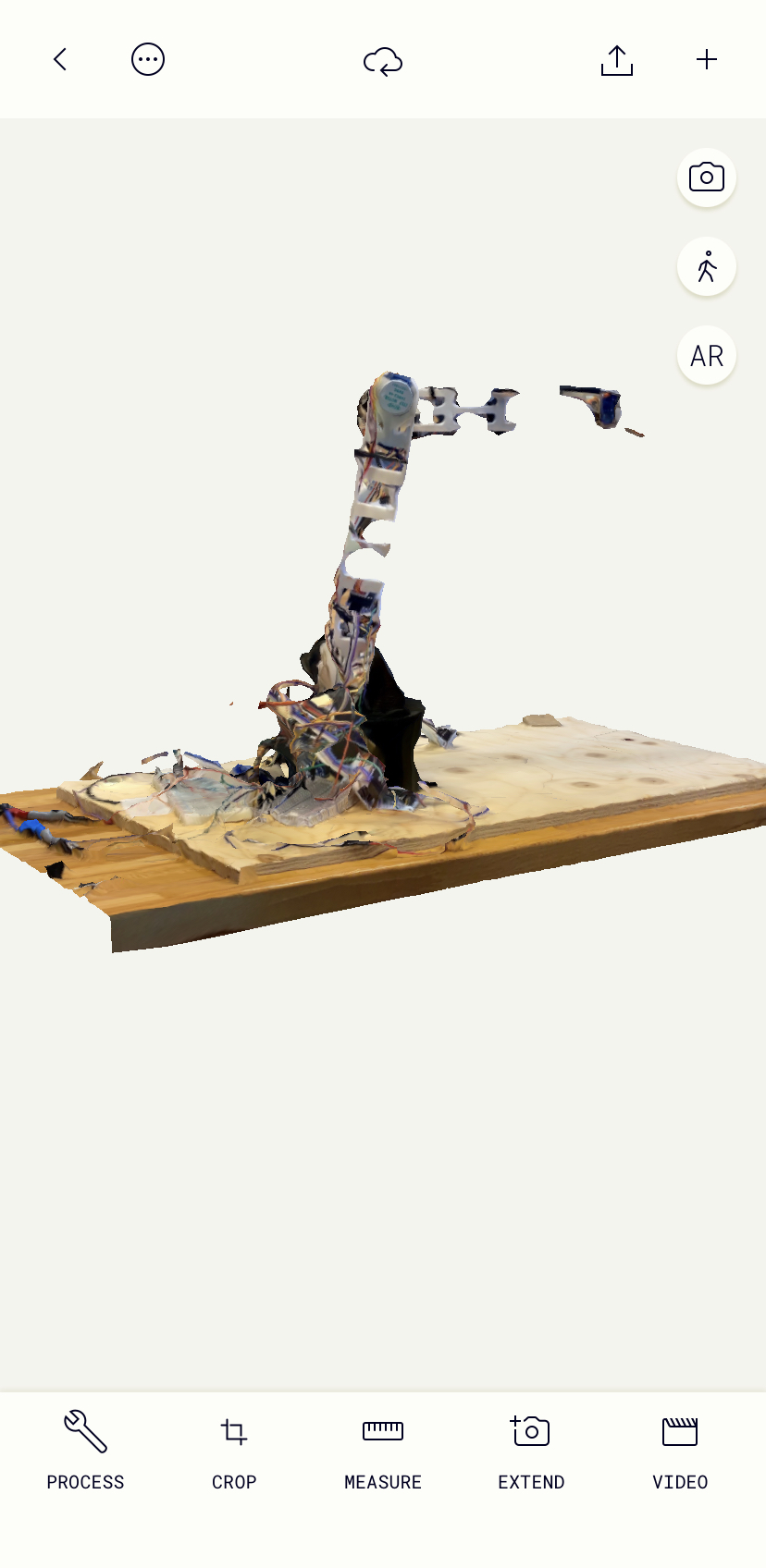
The final part of this project was to 3D scan any object. I scanned a soup robot that me and my friends made for another course. It didn't turn out as well as I had hoped. I used an app called Polycam.