Project 1
The assignment was to create our own HTML webpage were we could share our projects. The webpage should also contain information about our selves i.e. our resume and more. We should then share our webpage via GitHub using Git bash.
This was my first introduction to HTML so I decided to use a template from html5up instead of making my own from scratch. I ended up deciding on a template called "Dopetrope" because it wasn't as dramatic as some of the others and had some neat features such as dropdown menu and a template that was perfect for my resume.
To edit the template I used the application "Brackets". The professor had recommended to use Brackets and it was quite easy to use, just plain and simple. I uploaded the template on Brackets and at first I was a bit overwhelmed. But after a while of studying the code, looking up the function of different HTML tags and watching youtube a video it got much clearer to me and nerves started to settle. I started to make changes to the code and get rid of the unneccesary features and the stuff I didn't like. Here are pictures to show the difference of the template looked liked at first and the changes I made.
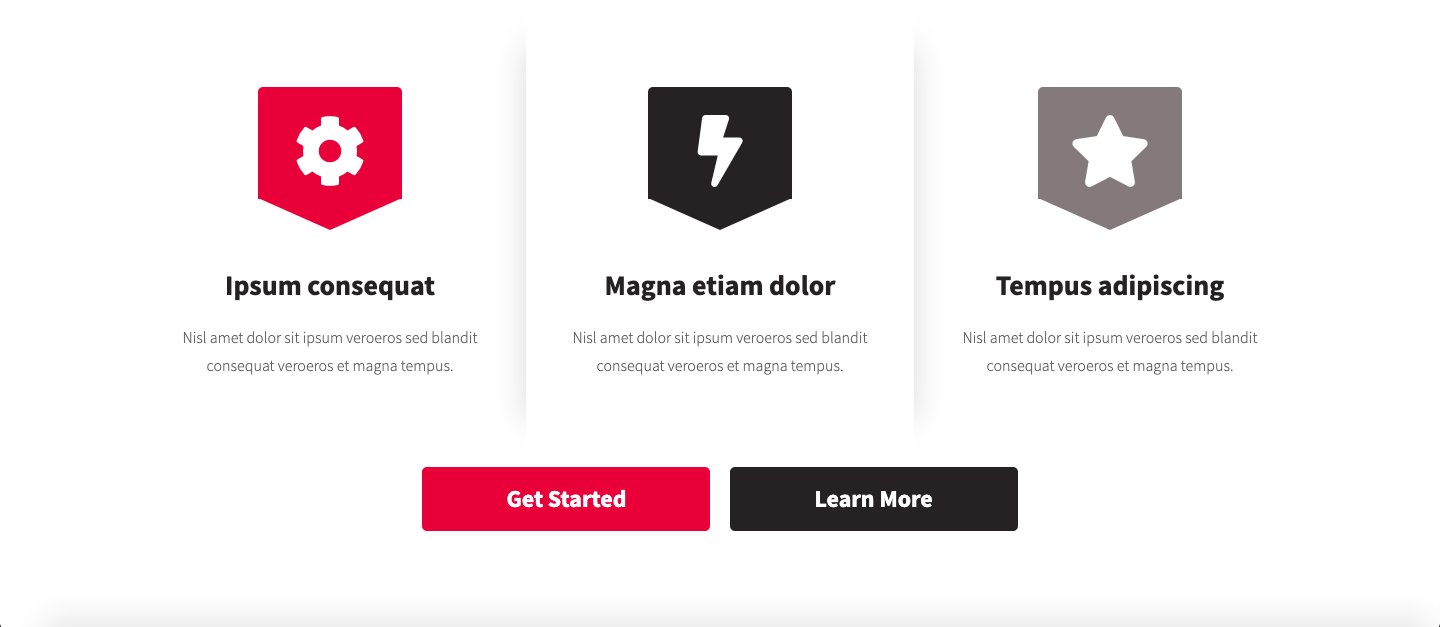
I simplified this part

The next step, after I was sufficently happy with my webpage, was to upload the webpage on GitHub. I first had to create a GitHub account. Then I had to install Git on my Mac, but to do that I first had to install Homebrew by copying this in my terminal.
 Now I can install git

